WiFi 6 vs WiFi 7: Which Wireless Standard Should You Choose?
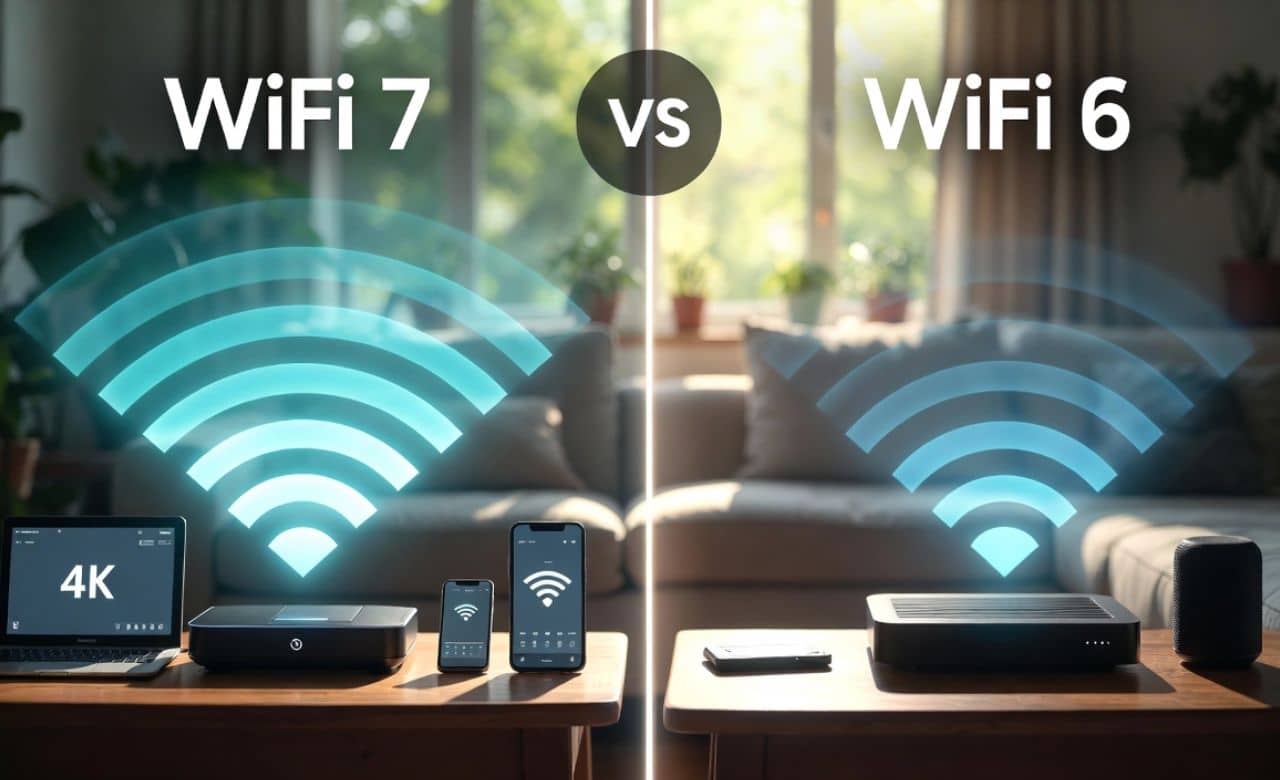
WiFi 7 delivers speeds of up to 46 Gbps while WiFi 6 reaches only 9.6 Gbps. Advanced features such as Multi-Link Operation are included in WiFi 7 to provide lower latency and better reliability for busy homes. Networks are made more efficient when many devices stay connected at once. The decision between WiFi 6 and WiFi 7 is based on your internet plan, number of gadgets, and activities like streaming or gaming. Most families find WiFi 6 sufficient for everyday use in 2026, but WiFi 7 is selected by those who want future-proof performance and ultra-fast downloads. In this guide, lets explore the key difference between Wifi 6 vs Wifi 7.
Understanding WiFi 6 Technology
WiFi 6 was introduced in 2019 as the 802.11ax standard. It is designed to handle crowded networks with many devices connected simultaneously. Efficiency is improved through special techniques that allow data to be sent to several gadgets at the same time.
The standard supports both 2.4 GHz and 5 GHz bands, with 6 GHz added in the WiFi 6E version. Real-world speeds are reliable for most homes and offices. Performance is maintained even when lots of users stream videos or browse the web.
Main Features of WiFi 6
Key features such as OFDMA and MU-MIMO are built into WiFi 6. These allow data packets to be divided and sent efficiently to different devices. Network congestion is reduced without slowing everyone down.
Battery life on phones and tablets is extended by Target Wake Time technology. Devices are woken only when needed. Overall connectivity is made smoother in busy environments.
Additionally, get a variety of comical Wifi names that will make you and your neighbours laugh and entertain.
Exploring WiFi 7 Technology

WiFi 7 is known as the 802.11be standard and was certified around 2024. It builds directly on WiFi 6 with bigger improvements for speed and stability. Adoption has grown quickly by 2026 as more routers and devices support it.
The new standard is created for high-demand uses like 8K streaming and virtual reality. Data transfer is handled across multiple bands at once. Future-proof networking is provided for homes with many smart gadgets.
Additionally, check out the procedure to change the Wi-Fi password by using multiple devices, routers, and methods.
Breakthrough Features in WiFi 7
Multi-Link Operation is the biggest new addition in WiFi 7. Devices are allowed to use 2.4 GHz, 5 GHz, and 6 GHz bands together for stronger connections. Latency is lowered dramatically during online games or video calls.
Wider 320 MHz channels and 4096-QAM modulation are also featured. More data is packed into every signal. Interference is avoided through preamble puncturing, so the network keeps running smoothly.
Furthermore, if you want to share the Wi-Fi password on an iPhone, then check out this informative guide that will teach you multiple ways of sharing.
Speed Differences Between WiFi 6 vs WiFi 7
The theoretical maximum speed of 9.6 Gbps is offered by WiFi 6. WiFi 7 pushes this to 46 Gbps under ideal conditions. Actual speeds depend on the router, devices, and distance from the access point.
Real-world tests show WiFi 7 is about 2.4 times faster than WiFi 6 in the same setup. Downloads and uploads are completed much more quickly. High-speed internet plans are fully utilized when WiFi 7 is chosen.
Latency and Responsiveness Compared
Lower latency is achieved by WiFi 7 through its Multi-Link Operation. Signals travel faster with less delay between the router and devices. Gaming and video conferencing feel more responsive as a result.
WiFi 6 already provides good responsiveness for daily tasks. However, slight delays can be noticed when many devices compete for bandwidth. WiFi 7 is preferred when zero lag is required for real-time activities.
In addition, if you are a game addict, then here are UI cheats for Sims 4 gameplay, now live your dream life without any obstacles.
Capacity for Multiple Devices
Dozens of devices are supported efficiently by WiFi 6 without major slowdowns. Smart homes with lights, cameras, and speakers are handled well. The network stays stable even during peak hours.
WiFi 7 raises this capacity even higher with advanced MU-MIMO and resource units. More gadgets are connected at full speed at the same time. Crowded households or offices benefit greatly from the upgrade.
Frequency Bands and Channel Widths

Three frequency bands are used by both standards when 6 GHz is included. WiFi 7 doubles the channel width to 320 MHz in the 6 GHz band. More room is created for data to flow without crowding.
Interference from neighbors is reduced in wider channels. Signals travel cleaner and faster. Better coverage and strength are experienced throughout larger homes.
Moreover, check out the complete procedure for connecting the HP printer to Wifi by using apps as well as manually.
Other Technical Improvements in WiFi 7
Preamble puncturing is a smart technique added in WiFi 7. Only the damaged part of a channel is skipped instead of the whole channel. The connection remains active even with some interference present.
Higher modulation with 4096-QAM packs about 20 percent more data per signal than WiFi 6. Throughput is increased without needing extra power. Efficiency is boosted across the entire network.
Real-World Uses and Benefits
The main clash between wifi 6 vs wifi 7 is that everyday activities like web browsing and video calls are improved by both standards. WiFi 6 is chosen by many families because it delivers solid performance at a lower cost. The technology is mature and widely available in 2026.
WiFi 7 shines in demanding situations such as 4K or 8K streaming, cloud gaming, and large file transfers. Users notice smoother playback and quicker loading times. The investment pays off when high-bandwidth needs are present.
Perfect for Gaming and Streaming
Online gaming is supported with minimal lag when WiFi 7 is used. Multi-Link Operation keeps the connection stable during intense matches. Wins are celebrated instead of frustrating disconnects.
High-definition streaming is made effortless on multiple screens at once. Buffering is almost eliminated even in busy evenings. Family movie nights are enjoyed without interruptions.
So now let’s enjoy Until Dawn Gamepaly on PS5 without any lagging and interruption in 4k ultra display.
Ideal for Smart Homes and IoT
Smart home devices stay responsive around the clock with either standard. WiFi 7 handles hundreds of sensors, cameras, and appliances more gracefully. Automation runs smoothly without delays.
Battery-powered gadgets last longer due to improved efficiency. Data is sent only when necessary. The whole connected home feels more reliable and modern.
Pros and Cons of Each Standard

Advantages of WiFi 6 include lower price, wide availability, and excellent efficiency for normal use. It is still recommended for most people in 2026. Drawbacks appear only with very fast internet or dozens of devices.
WiFi 7 offers superior speed, lower latency, and future-proofing, but routers cost more and not every device supports all features yet. Full benefits are realized when compatible gadgets are present. The upgrade is worth considering for heavy users.
5 Key Reasons to Choose WiFi 7
- Faster overall speeds are delivered for large downloads and uploads.
- Lower latency is provided for gaming and live video.
- More devices are connected without slowing the network.
- Wider channels reduce interference from neighbors.
- Future-proofing is achieved for upcoming high-speed internet plans.
These reasons are considered carefully before purchasing new equipment. Each benefit is experienced in daily life when the right choice is made.
Important Points to Remember
Several factors are evaluated when deciding between WiFi 6 and WiFi 7. Internet speed from the provider, number of users, and types of activities all matter. Compatibility with existing phones, laptops, and smart devices is checked first.
Budget and long-term needs are also taken into account. WiFi 6 remains a smart and reliable option for many homes. WiFi 7 is selected only when maximum performance is truly required.
Frequently Asked Questions
Is WiFi 7 worth buying over WiFi 6 in 2026?
WiFi 7 is worth the extra cost only if multi-gigabit internet is used or many devices run heavy applications. Faster speeds and lower latency are delivered in demanding situations. Most average users are satisfied with WiFi 6 for years to come.
Will my old devices work with a WiFi 7 router?
Backward compatibility is built into WiFi 7 routers, so older phones and laptops connect without problems. Full new features are enjoyed only by WiFi 7 devices. The network still runs smoothly for the entire household.
Which one is faster, WiFi 6 vs Wifi 7 in real life?
Real-world speeds are roughly 2 to 2.4 times faster with WiFi 7 under similar conditions. Actual results depend on distance, walls, and device support. Noticeable improvements are seen during downloads and streaming.
Do I need a new router to get WiFi 7 benefits?
A new WiFi 7 router is required along with compatible client devices to unlock the full potential. Existing WiFi 6 routers cannot use the newest features. Upgrades are planned when the current setup starts to feel slow.
What is the best time to switch to WiFi 7?
Switching is best when faster internet plans are subscribed to or when more smart devices are added. Prices have dropped in 2026, making the technology more accessible. The move is made after checking current usage patterns.
Conclusion
WiFi 6 vs WiFi 7 both deliver strong wireless connectivity for modern homes and offices. The choice is made based on personal needs, budget, and plans rather than chasing the newest label. Reliable performance is provided by WiFi 6 for the majority of users, while WiFi 7 prepares networks for tomorrow’s demands.
Careful evaluation of speed requirements, device count, and activities leads to the right decision. Better internet experiences are created when the standard matches real-life usage. Wireless technology continues to improve, but the best option is the one that works perfectly for daily life right now.